Overview
At MedCare, we want to keep you as informed as possible when it comes to your healthcare journey with us. To that end, we have a few options for getting order status notifications, delivery notifications, and self-service account management outlined below.
Notice of Choice
All notification methods and self-service options mentioned in this article are completely optional to you, feel free to sign up for (or opt-out of) any of them at any time either via the notifications themselves or by calling our customer service teams at (833) 297-2905.
Text Messages
MedCare currently offers a variety of text messages to keep you informed, with new notifications being added periodically based on your feedback. Below are some of the text messages you may receive, depending on your order.
- Confirmation of Text Consent - Message from MedCare asking for consent to text message notifications.
- Welcome Message - Welcome message for your account being created with MedCare, opt-in for status updates, and link for signing up for Patient Hub.
- Order Status Updates (Various) - Message(s) for your order moving through our internal processing teams.
- Delivery Pending - Message(s) relating to your order reaching our dispatch team for delivery scheduling
- Know Your Driver / Driving On The Way (Coming Soon!) - Message(s) indicating your MedCare Delivery Technician, as well when they are in route to your address for delivery.
- Sales Order Tracking Number - Message(s) containing clickable tracking numbers for your shipped packages from us.
- Preventative Maintenance Notifications - Reminder to schedule preventative maintenance for your equipment with our in-home maintenance teams.
- Billing Notifications - Message(s) related to upcoming bills, AutoPAY reminders, and outstanding balances.
Sample Text Message Verbiage
Confirmation of Consent
Order Reference Number
Order Shipped with Tracking
MedCare may add additional status update messages in the future, which will be communicated here. As mentioned in the initial consent, you may opt out of receiving text messages from MedCare at any time by replying ‘N’ to any text message received from us, or by calling our customer service team at (833) 297-2905. This system is only used for order status & tracking, your number will never be used by MedCare for marketing purposes.
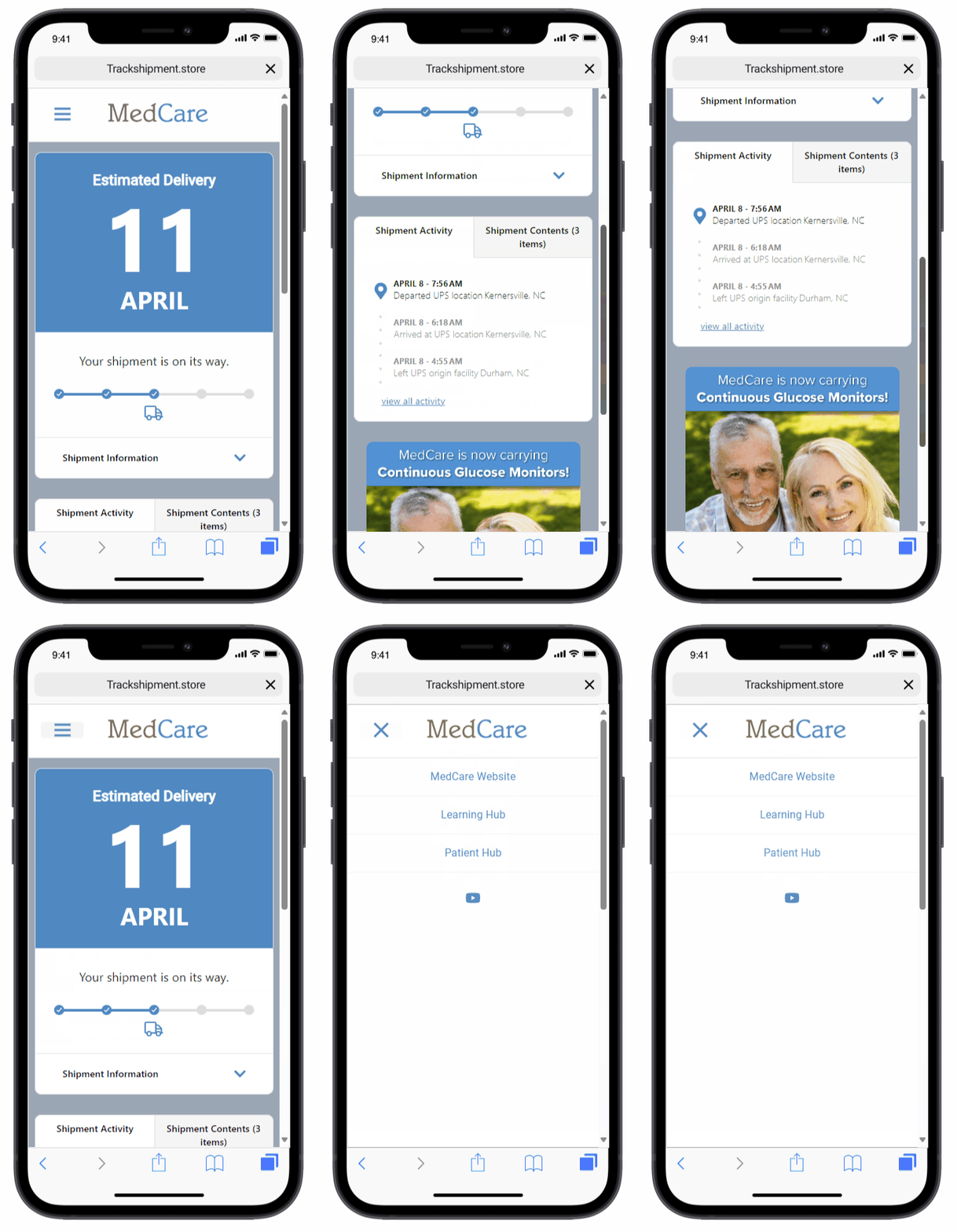
Sample Text Message Delivery Links
For packages shipped directly from our warehouses, you may receive an expanded order tracking notification, with an enhanced tracking page / information, a sample of which can be seen below.
Emails
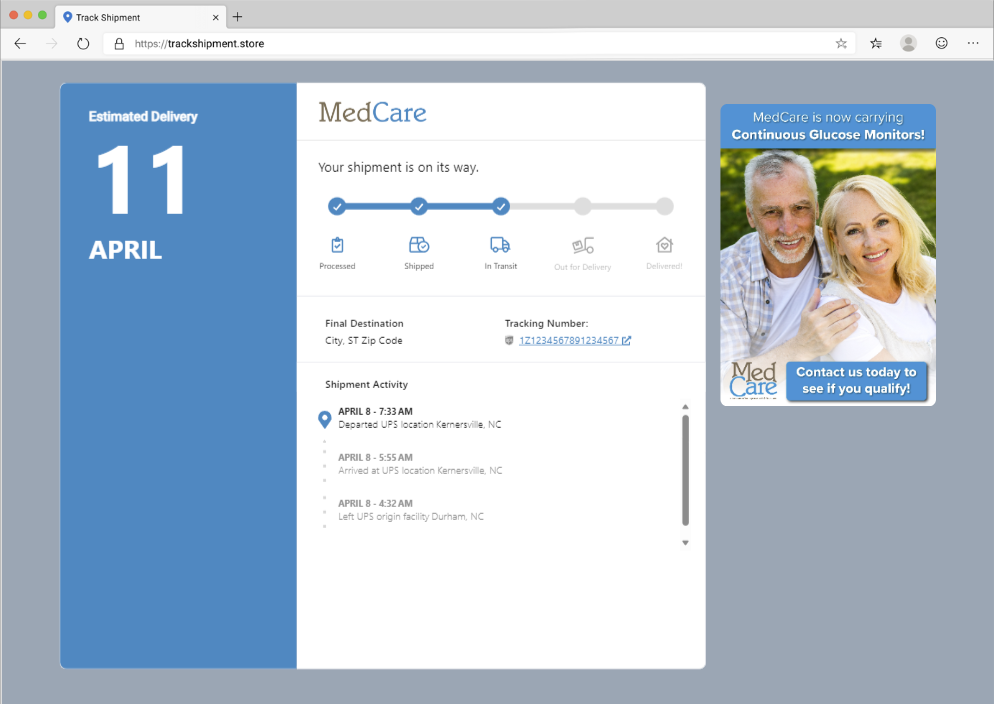
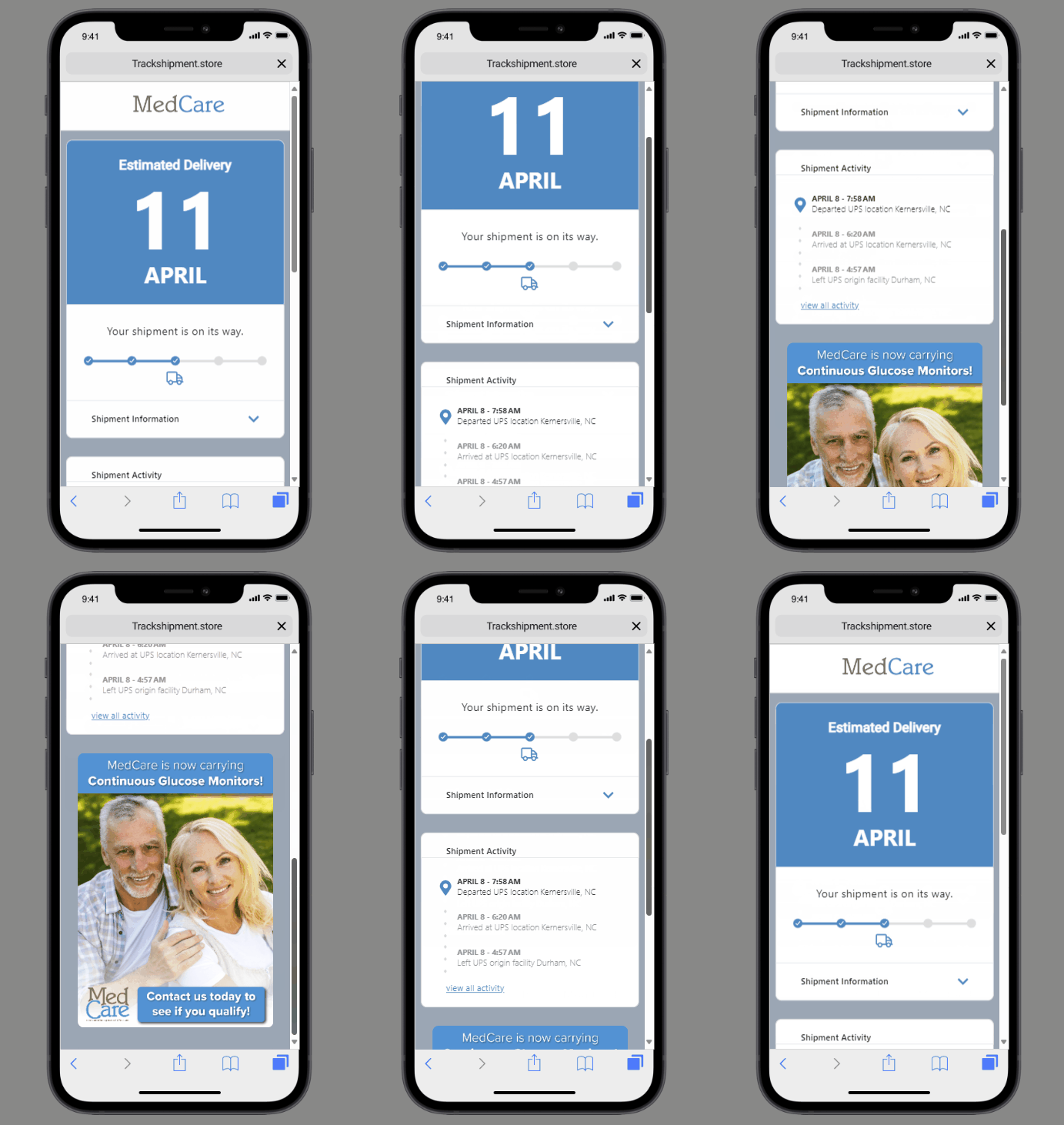
MedCare currently only offers email notifications for shipped item delivery notifications. You will receive the following email status updates on your shipped deliveries if an email address has been provided to us and the item is being shipped from one of our warehouses.
- Shipment Confirmation Email - When your shipment has been processed by our warehouse and is awaiting pickup from the carrier.
- Estimated Delivery Date Email - An estimated delivery date from our carrier after the package has been picked up from our warehouse.
- Out for Delivery Email - Once your package is loaded on a truck for delivery by the carrier.
- Delivery Confirmation Email - Once your package is marked delivered by the carrier.
Sample Email - Desktop
Sample Email - Mobile
Patient Hub
MedCare, in partnership with Brightree, have released Patient Hub a new app & web platform that empowers patients to manage their own healthcare journey. Patient Hub is a secure, easy-to-use app that connects patients with MedCare in a new way, allowing patients more insight into their care with us, while providing an additional avenue of outreach. With patient hub, patients can:
- Update personal information, like addresses, insurance cards, and more.
- View and pay bills via the app or web portal
- Track their orders & supplies
- Receive reminders and notifications (Same notifications as the text messages listed above, this can be used with or as an alternative to those texts.)
- Communicate with MedCare's support teams
To make sure we meet our patient’s expectations for service and care, we will be rolling out Patient Hub gradually over the coming months, as well as adding additional notifications over time. Initially patients will receive a sign-up link in your first (or next for existing patients) text notification from us. If you would like access to Patient Hub sooner, you can use the chat with us feature on our homepage to request access. We also plan on adding additional notifications about order progress, and general communication over the coming months. You can access Patient Hub via the link on our website medcaresv.com, or using the link below, apps may also be downloaded from the iOS and Android app stores.
Website | iOS App Store | Android Google Play Store
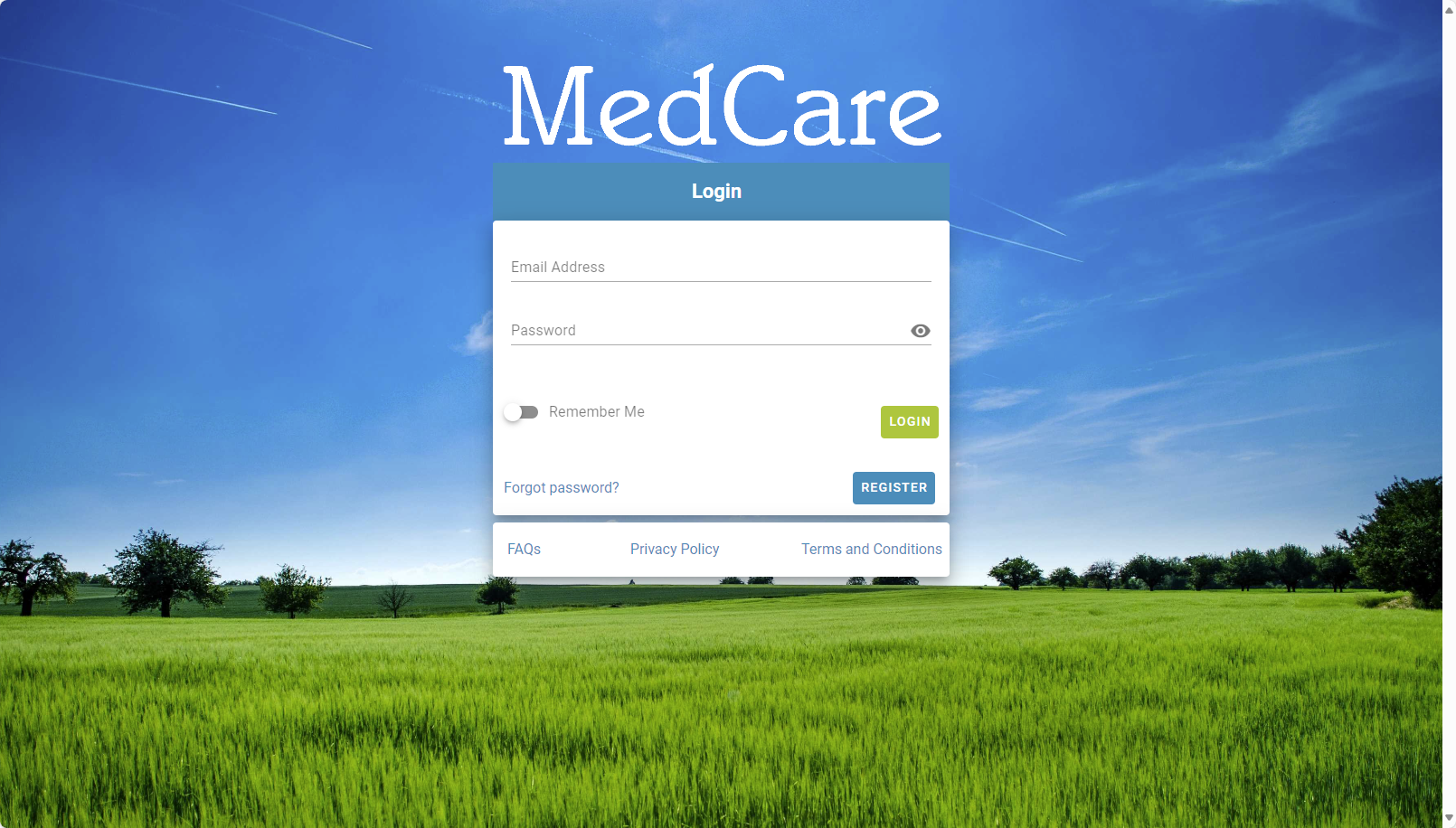
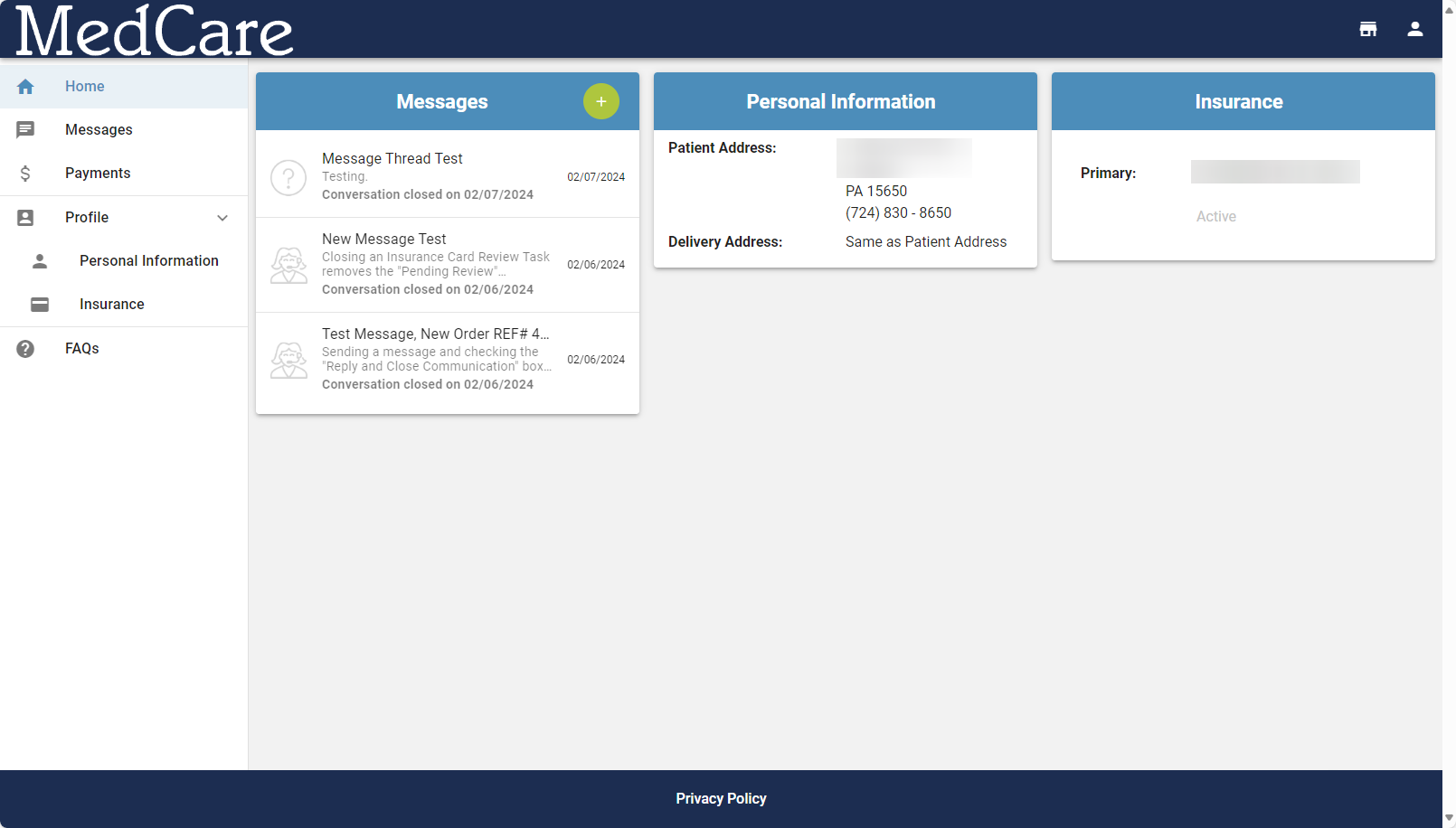
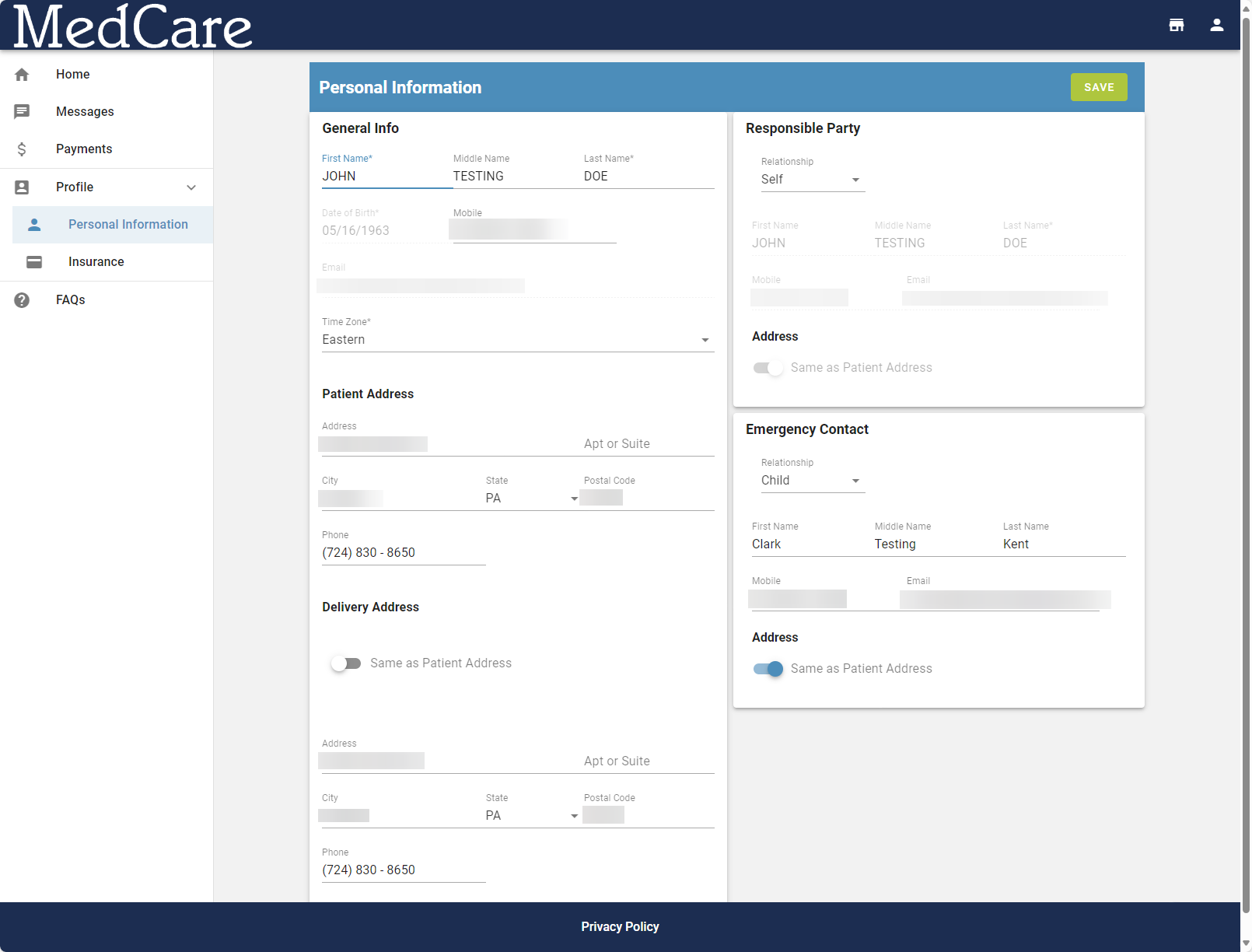
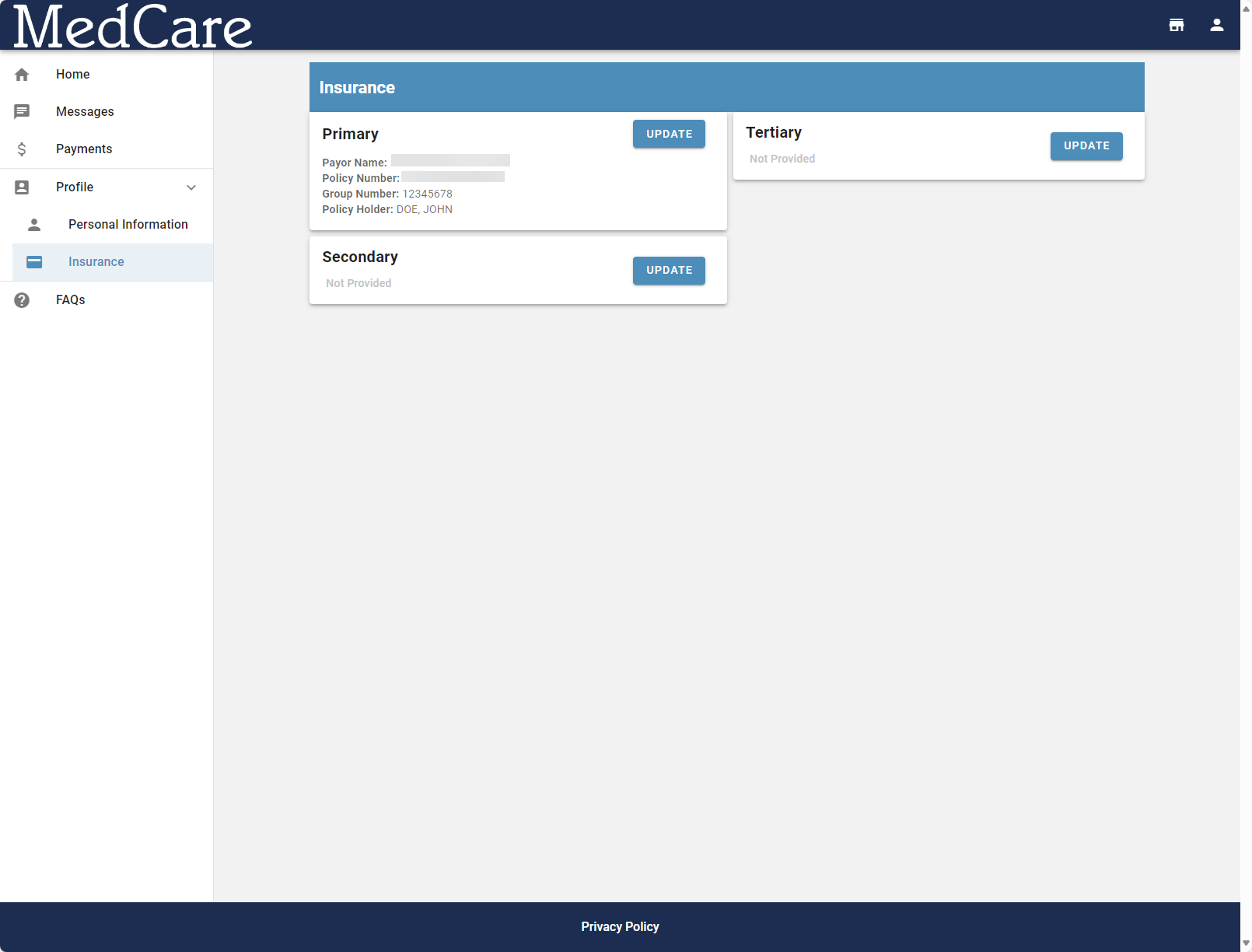
Screenshots of Patient Hub
Login Page
Home Page
Profile Page
Insurance Page
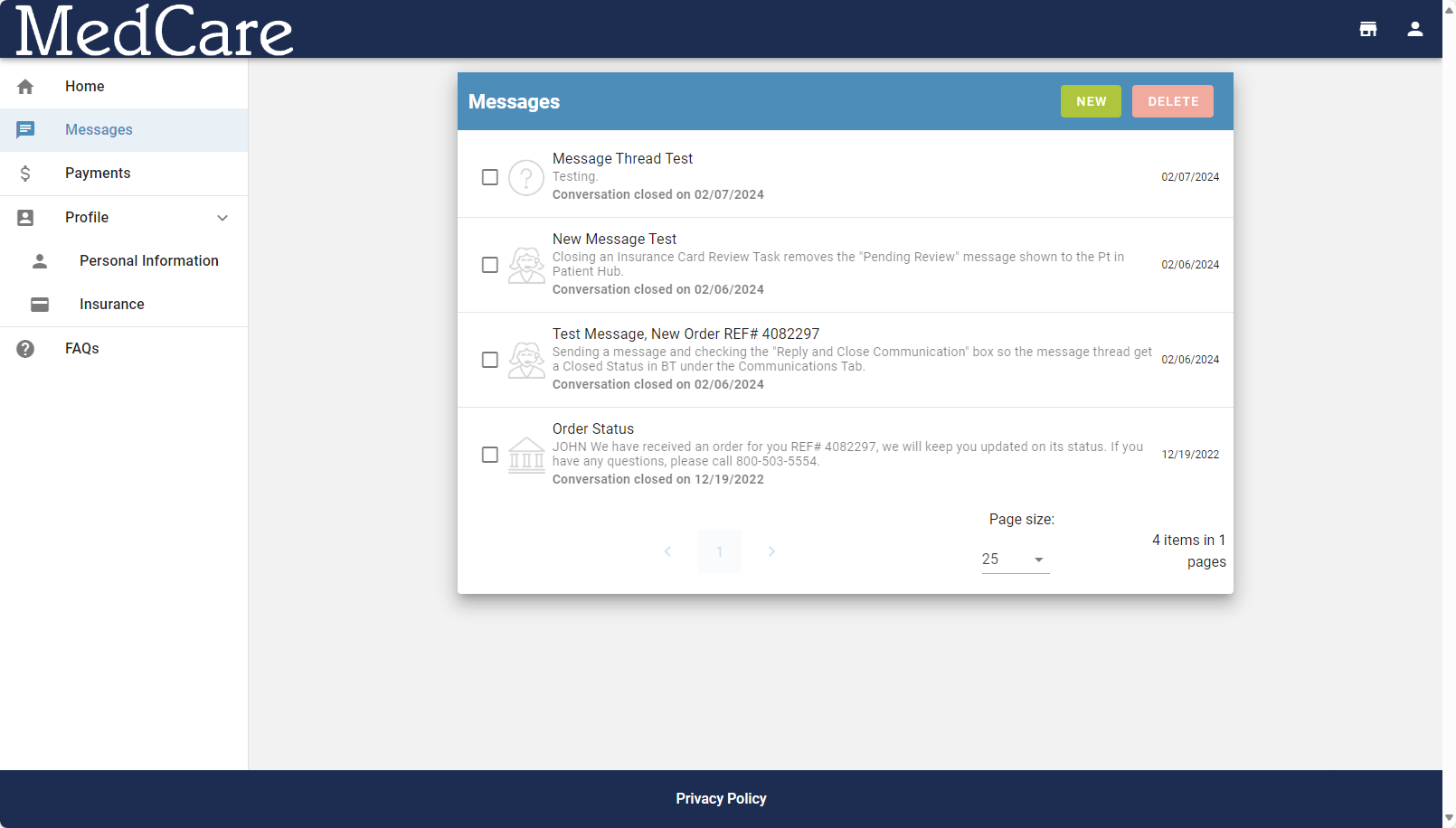
Messaging Page